VISUALNORMALITY
SYNTAGRAPH / BLP-049

GUIDED PRODUCT EXPERIENCE / BLP-049

One change.
Every dependency
in view.

Scroll in place or follow the highlighted actions. The product remains in one fixed viewport while the decision advances.
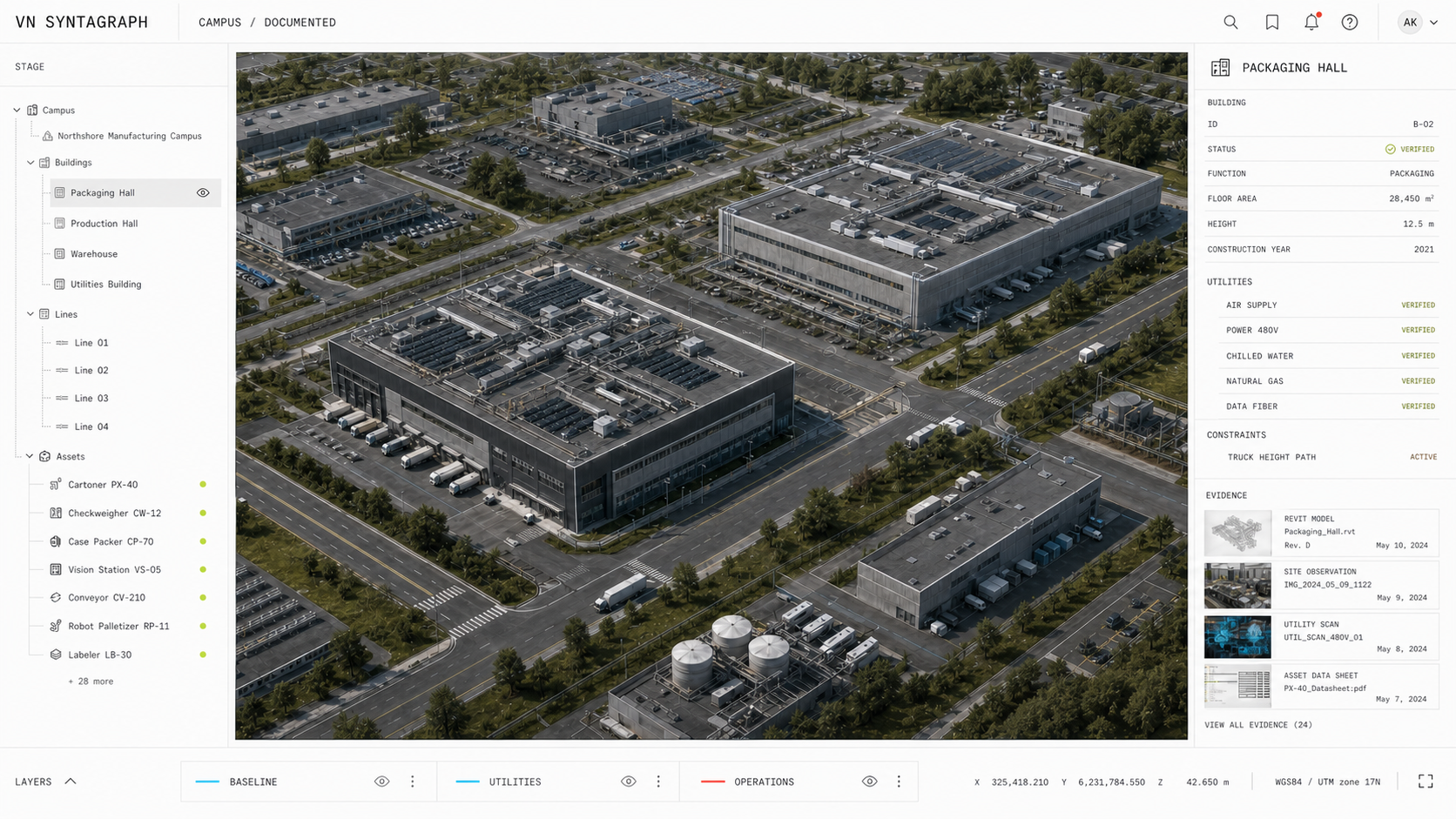
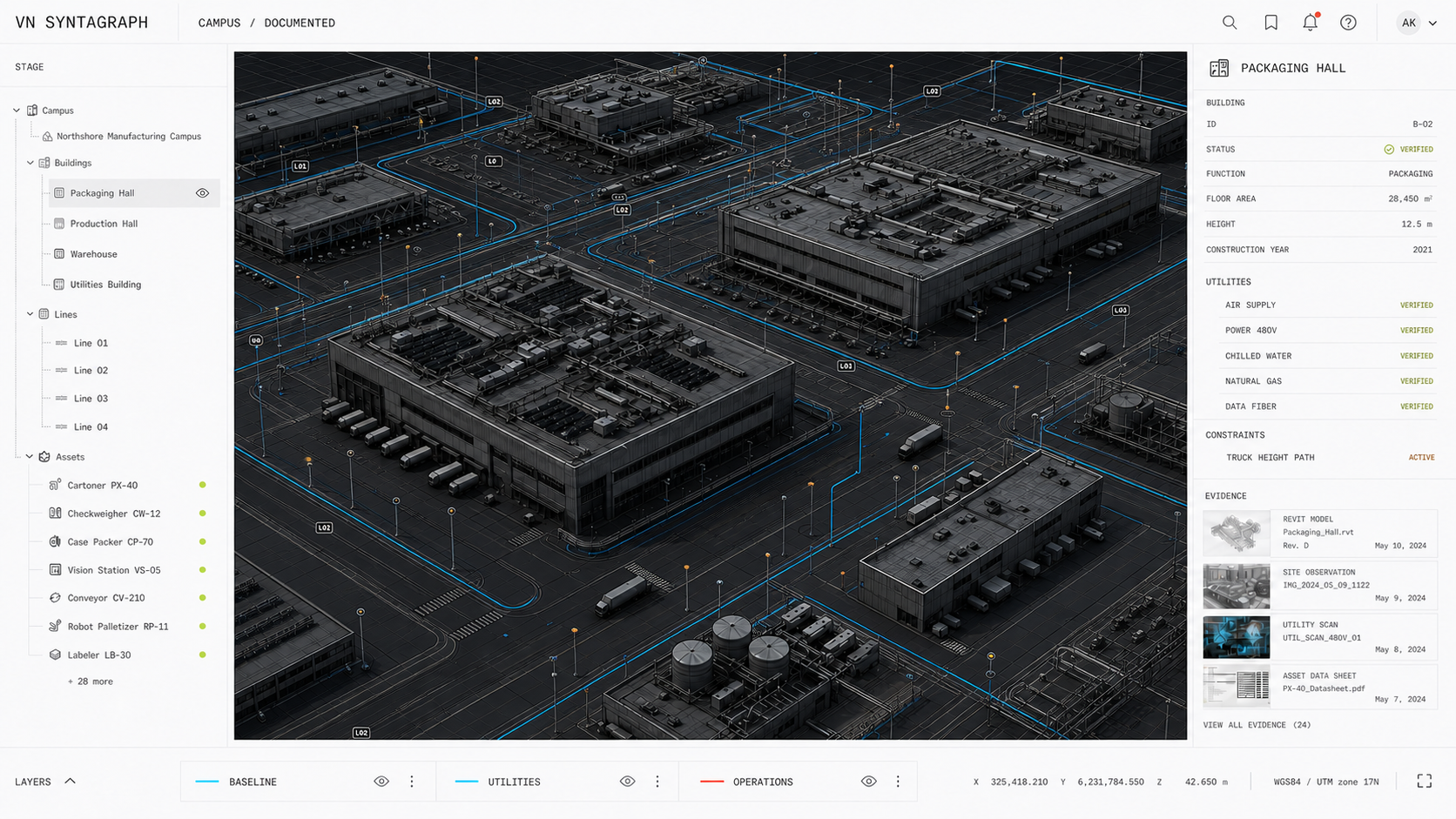
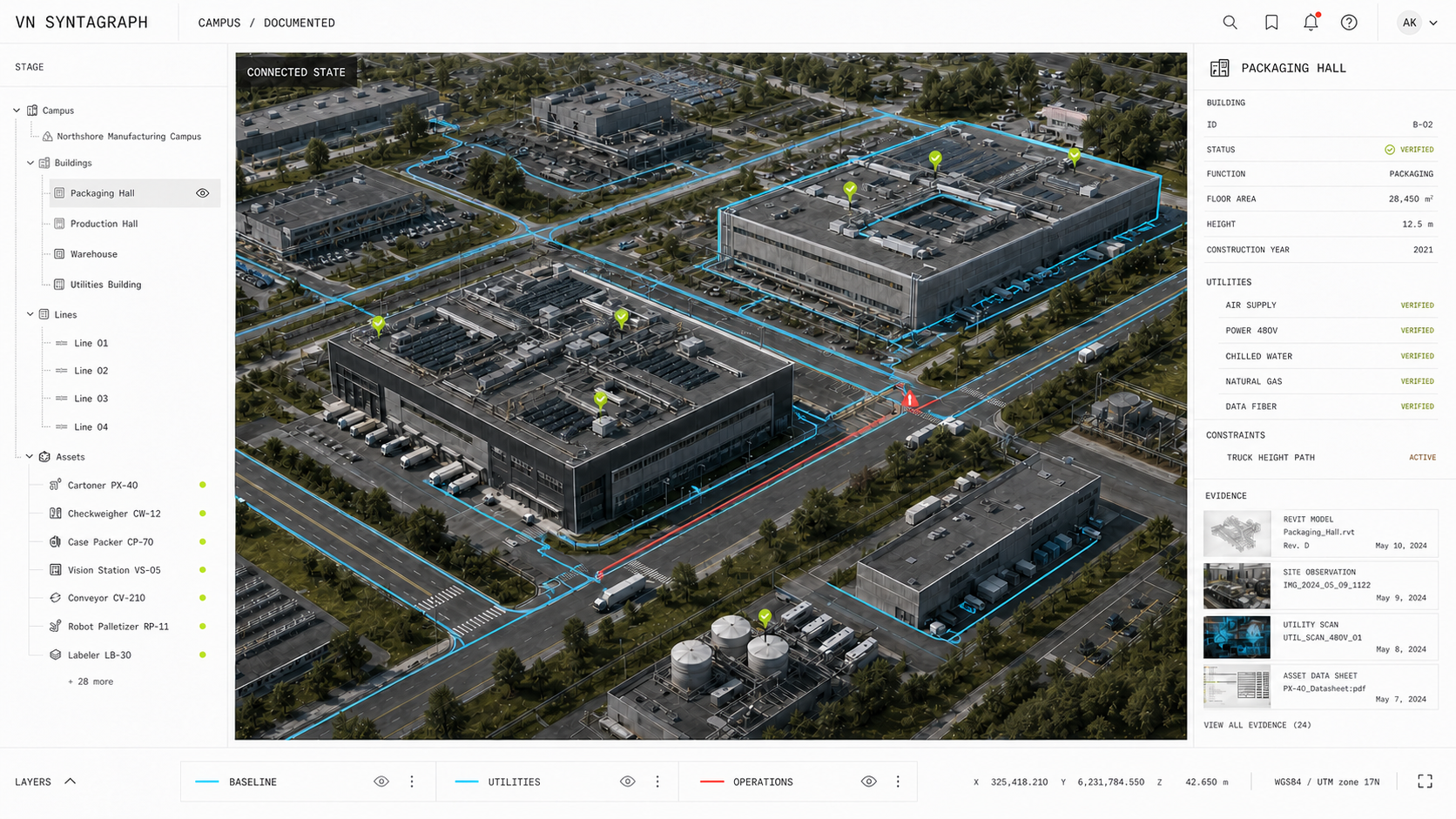
Documented Northshore manufacturing campus

01 / SITE CONTEXT

Connect the operation.

Documented campus

Technical CAD model of the manufacturing campus
RealView of the documented campus
Connected campus state
VIEW MODEOPEN REALVIEW
SELECT LAYERUTILITIES + OPERATIONS

First establish the physical campus. Then enable only the layers that affect BLP-049.

Same frame / same camera / same height

02 / REALITY ALIGNMENT

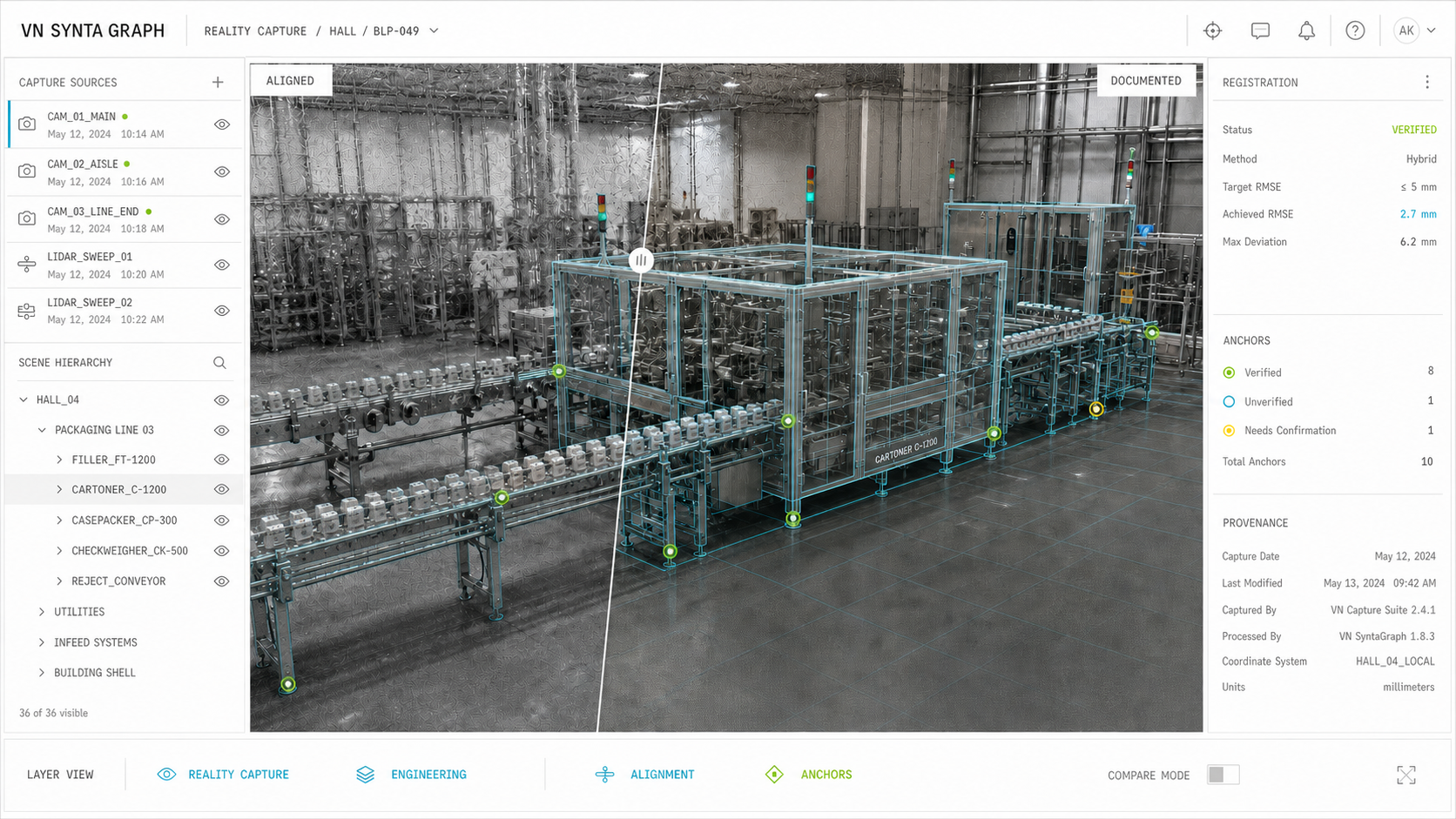
Register the model.

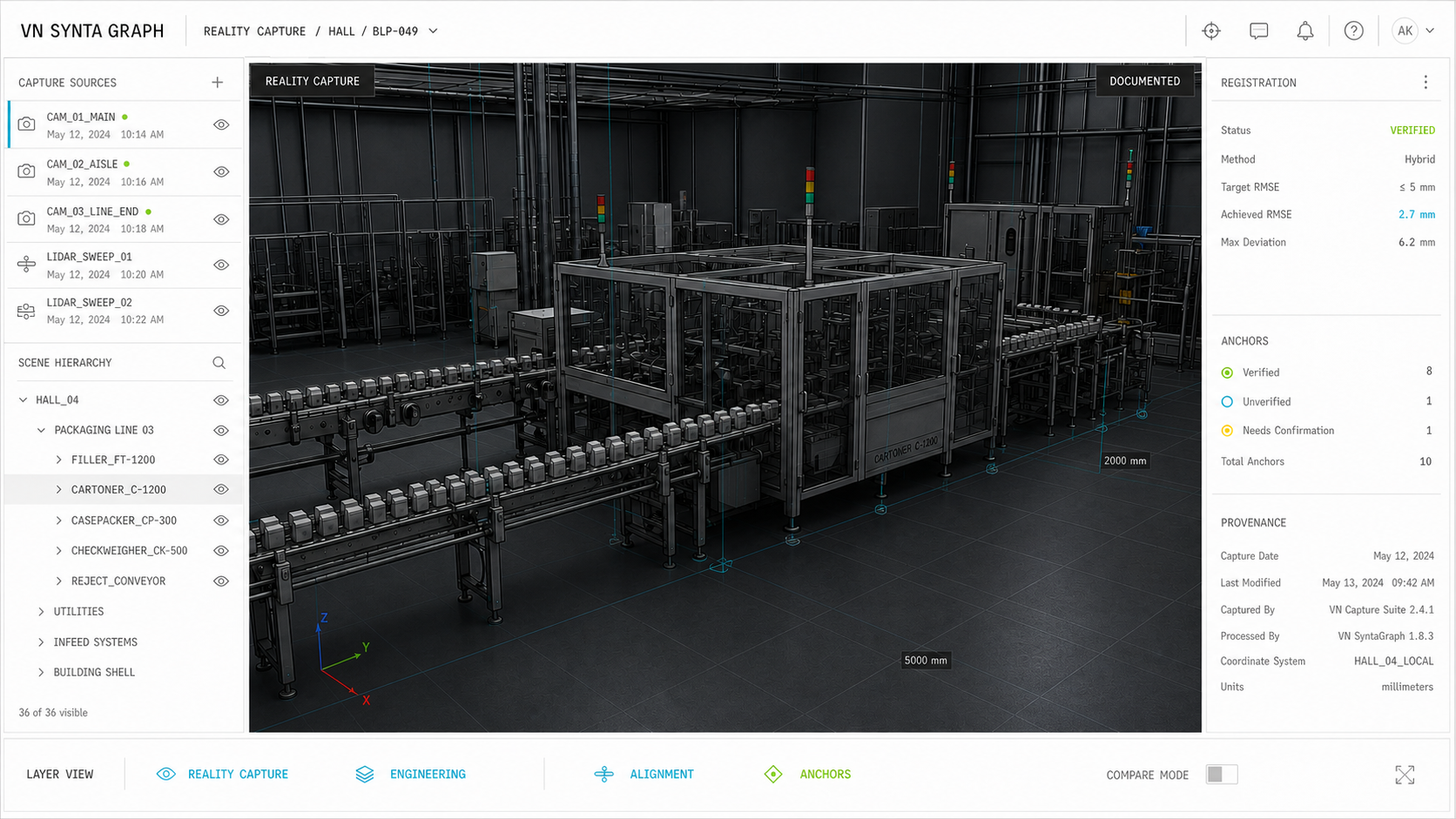
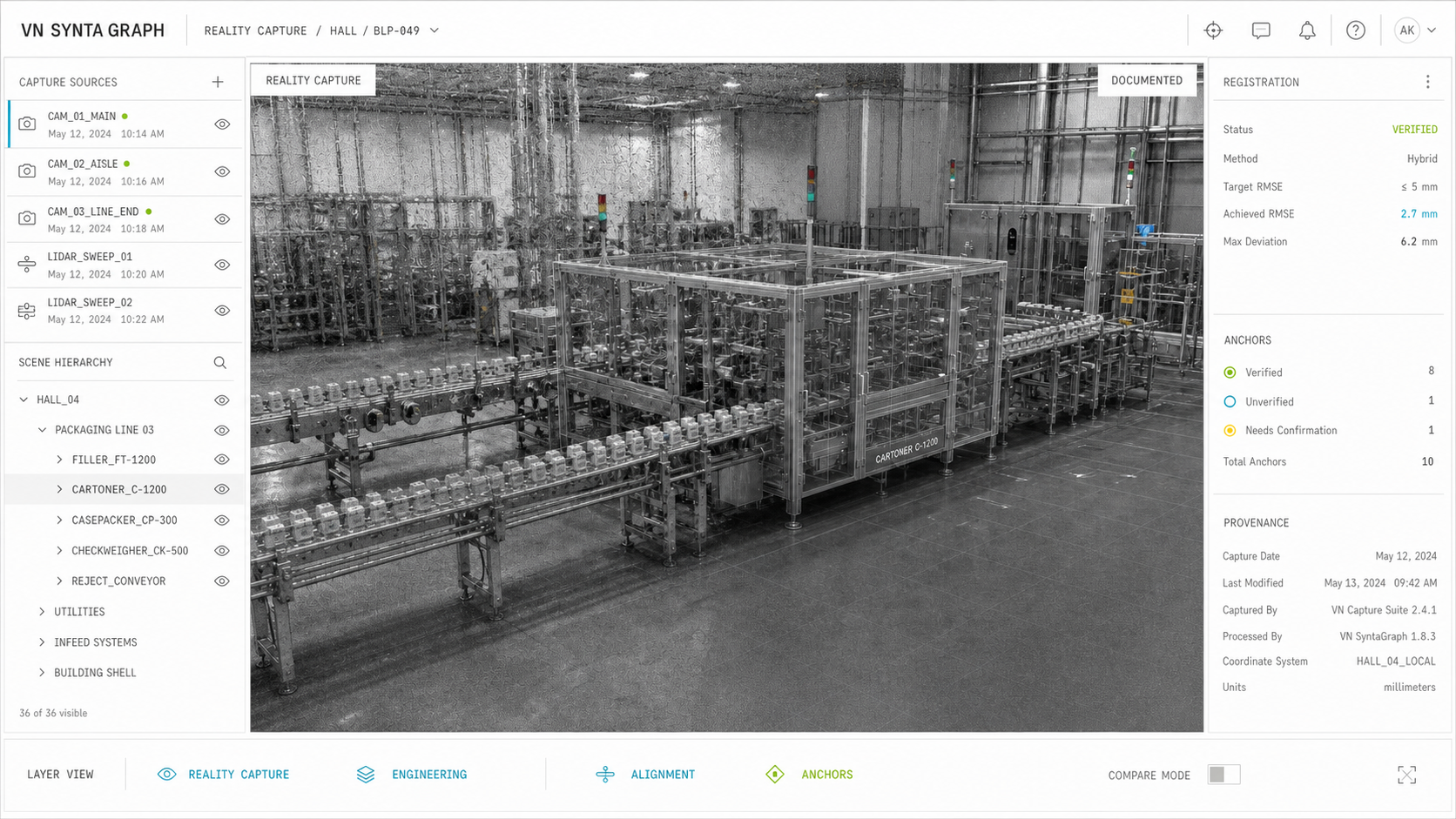
Reality capture

Technical CAD model of the packaging line
RealView reality capture of the packaging line
Engineering context aligned with reality
LAYER VIEWOPEN REALVIEW
COMPARE MODEREALITY / ENGINEERING
ACHIEVED RMSE2.7 MM8 verified anchors

The camera and UI stay fixed. The registered state resolves inside the identical viewport.

No vertical shift

03 / ASSET PLACEMENT

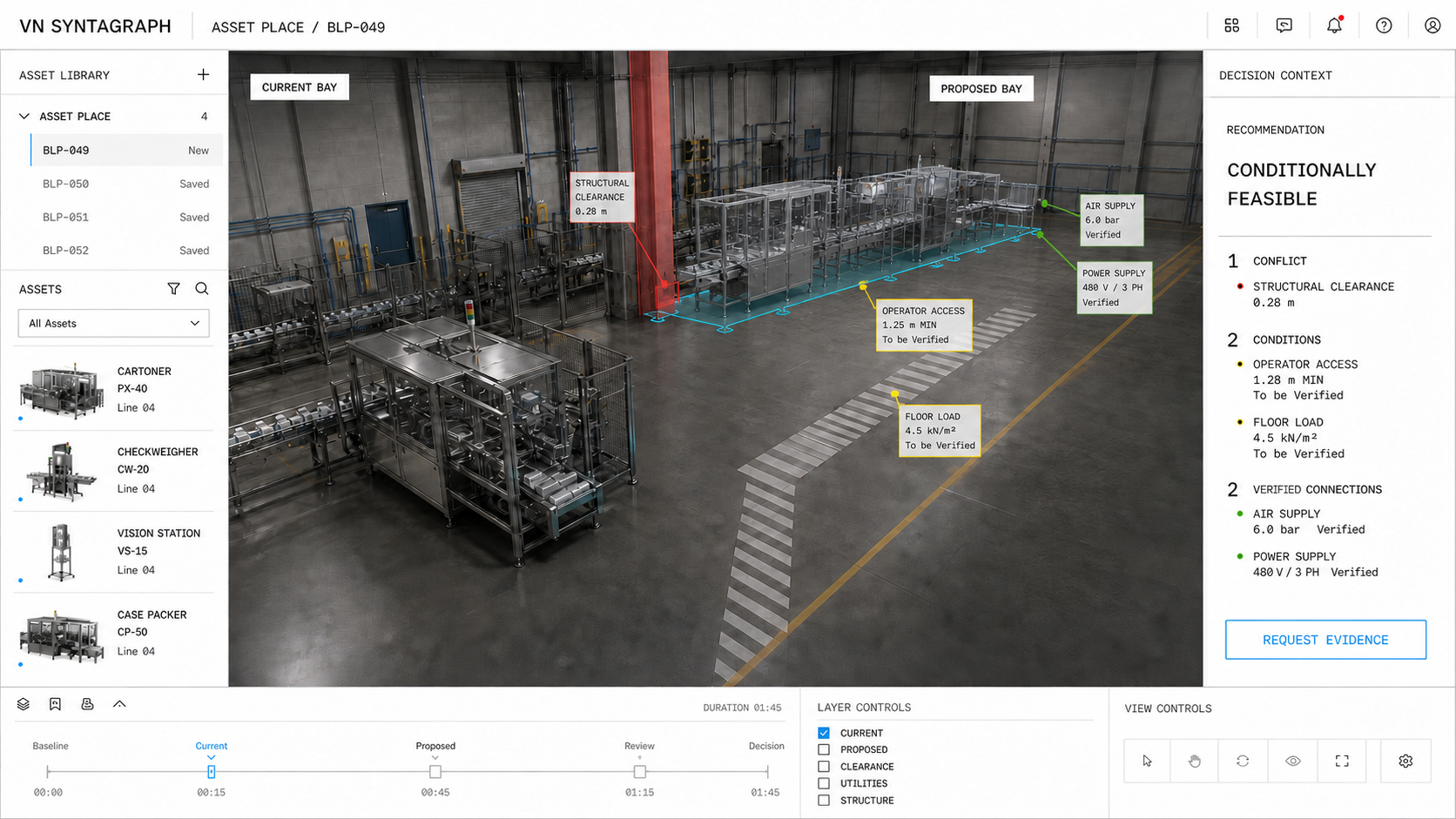
Place BLP-049.

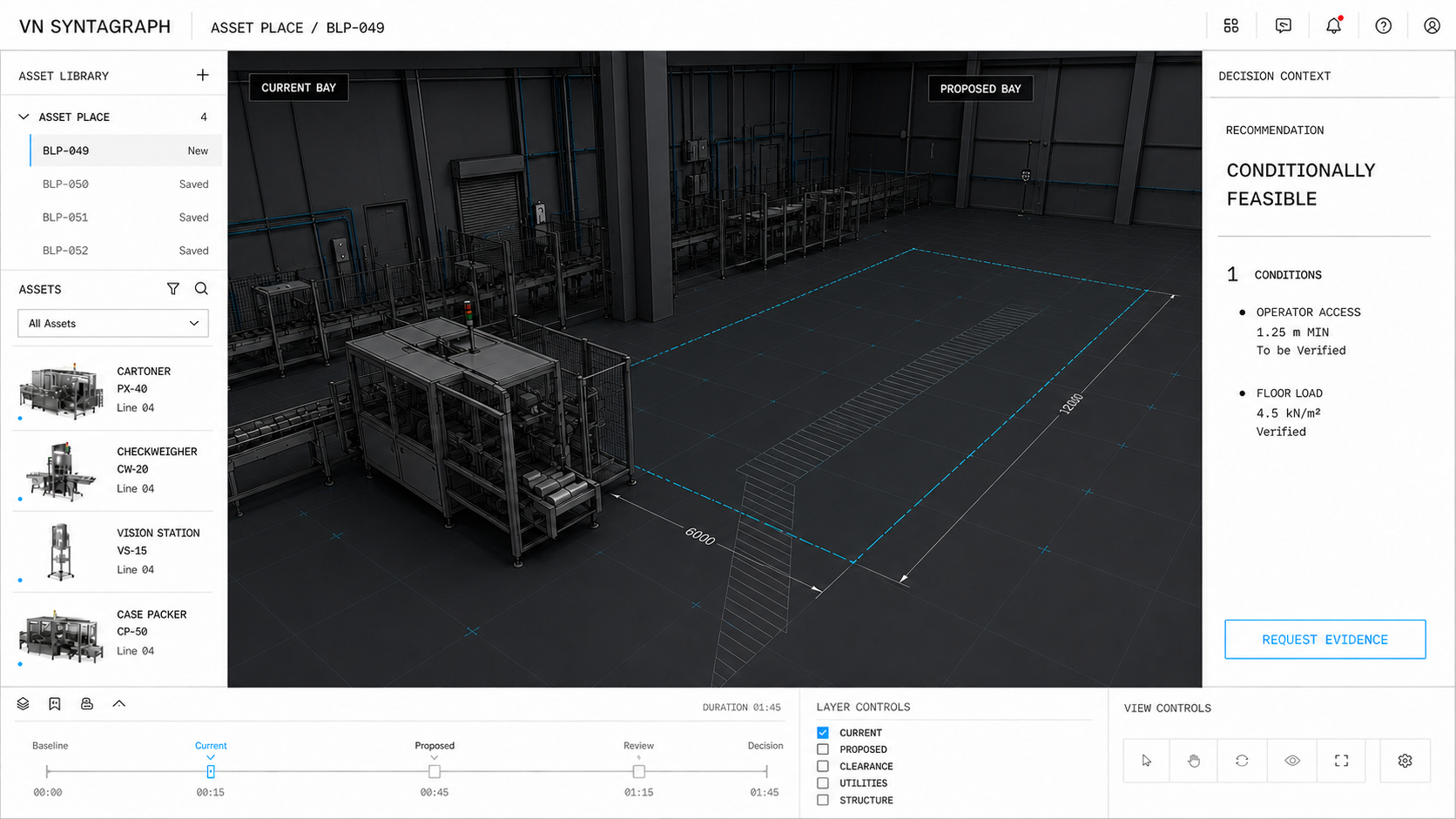
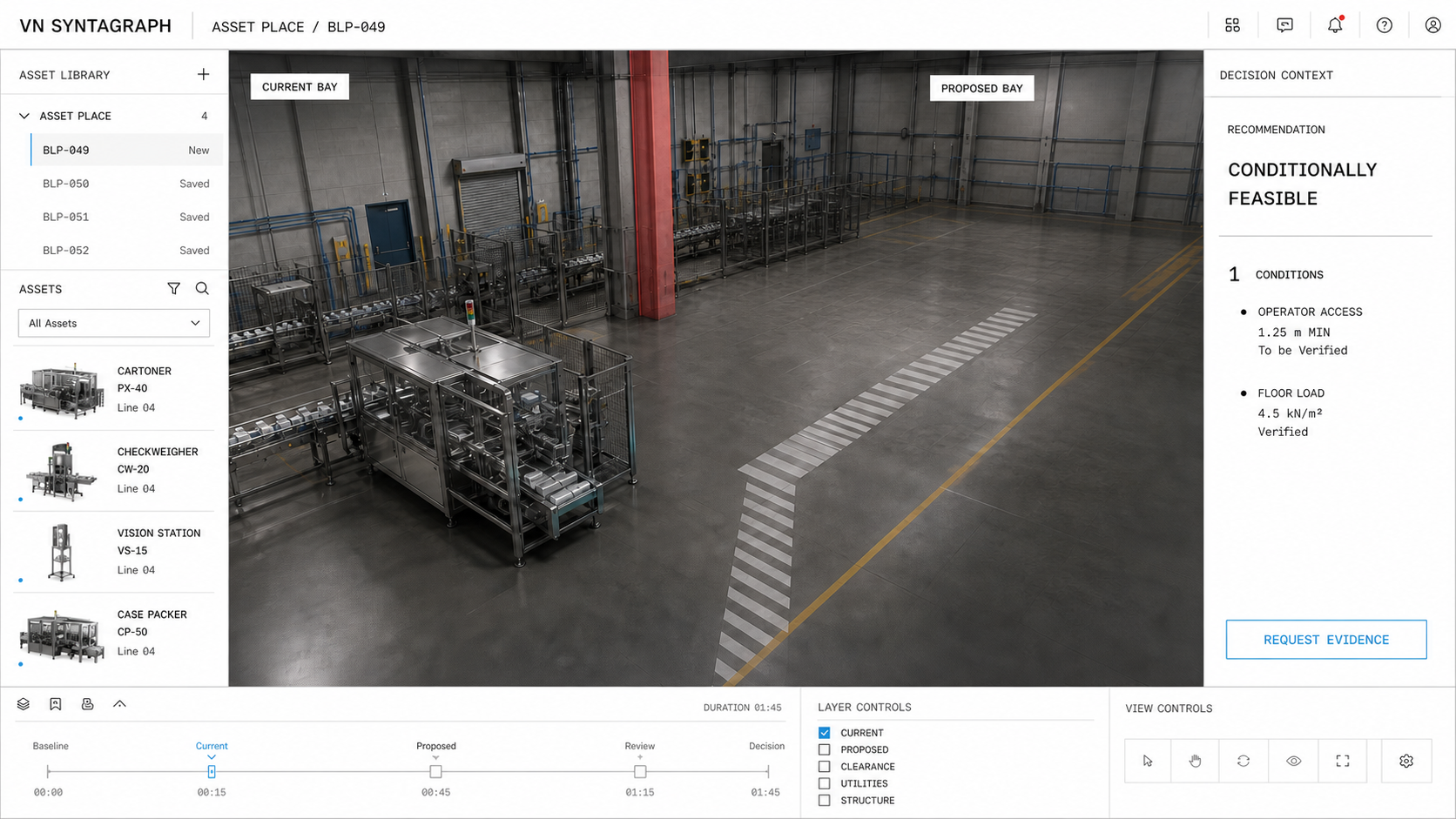
Empty proposed bay

Technical CAD model of the proposed manufacturing bay
RealView of the empty proposed bay
BLP-049 placed in proposed bay
VIEW MODEOPEN REALVIEW
DRAG ASSETBLP-0496.0 × 2.4 × 2.8 M
PROPOSED BAY
01 conflict02 conditions02 verified connections

The asset moves first. The placed state appears only after BLP-049 reaches the proposed coordinate.

Physical placement before evaluation

04 / EVIDENCE GRAPH

Resolve the claim.

Collecting sources

DOCUMENTEDOBSERVEDMEASUREDINFERREDDECISION

Every connector is drawn between live nodes. Click any node to inspect the evidence behind it.

Documented → observed → measured → inferred

05 / DECISION

Conditionally
feasible.

BLP-049 can use the proposed bay if the structural conflict is resolved and the two open conditions are confirmed.

Open product view ↗
00 / 12OpeningScroll or select Next